> For the complete documentation index, see [llms.txt](https://meta-quest-ru-wiki.gitbook.io/start/llms.txt). Markdown versions of documentation pages are available by appending `.md` to page URLs; this page is available as [Markdown](https://meta-quest-ru-wiki.gitbook.io/start/streaming/pcvr-stream.md).

# Трансляция игры с PCVR

Представим ситуацию. Ваш друг позвонил вам в дискорде, он же попросил Вас показать экран игры. Вопрос, как показать экран с игрой?

#### Способы передачи экрана:

<details>

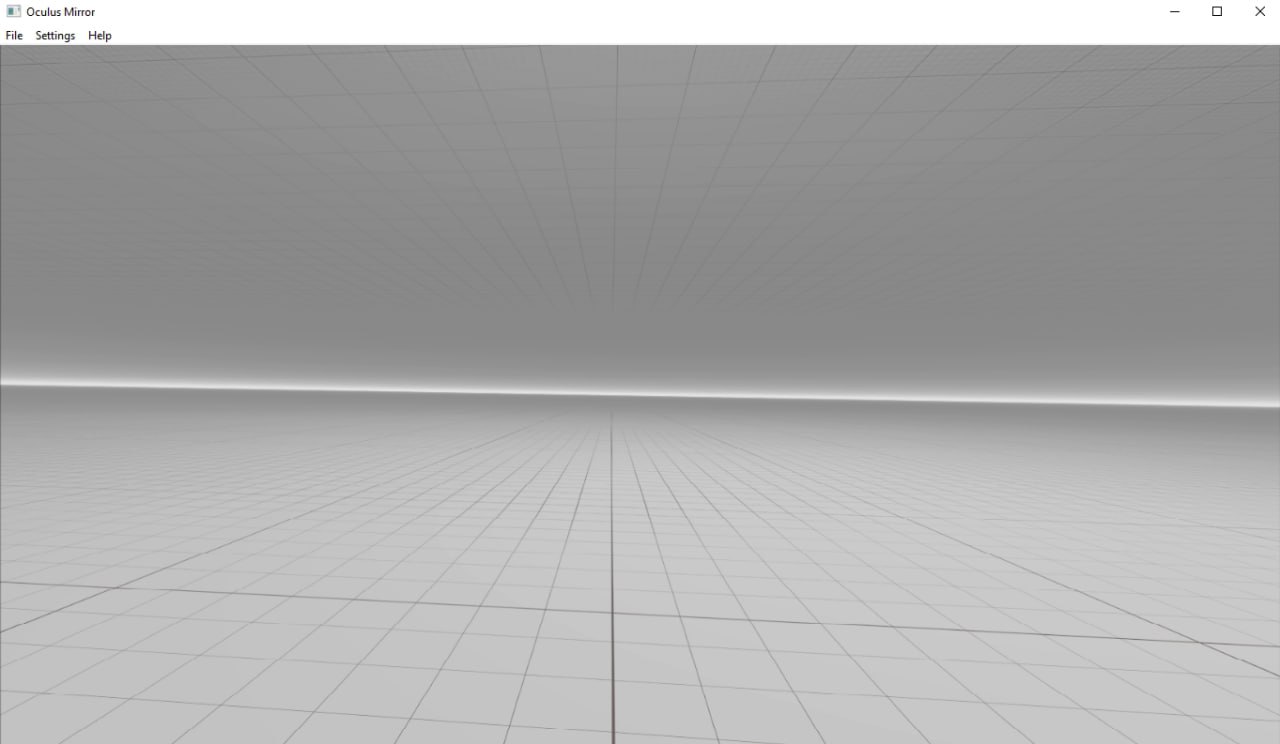
<summary>Oculus Mirror</summary>

1. Перейти по пути: **C:\Program Files\Oculus\Support\oculus-diagnostics**
2. Запустить приложение `OculusMirror.exe`.
3. <mark style="color:$success;">**Готово!**</mark>

<figure><img src="/files/YRHTDl4UrLiajmdcThjr" alt=""><figcaption></figcaption></figure>

</details>

<details>

<summary>SteamVR</summary>

* В окне **SteamVR** нажимаете на кнопку с тремя полосками, далее выбираете `"Включить отображение VR"`

{% hint style="warning" %}
**ВАЖНО: При игре через Virtual Desktop, сначала нужно запустить SteamVR нажав на "Launch SteamVR", и только потом запускайте игру, иначе дискорд будет видеть лишь окно со статусом SteamVR!**
{% endhint %}

</details>

{% hint style="info" %}
[Кстати, у нас есть **Telegram-чат**, где можно **спросить помощи и пообщаться**](https://t.me/MetaQuestRUS)
{% endhint %}

---

# Agent Instructions
This documentation is published with GitBook. GitBook is the documentation platform designed so that both humans and AI agents can read, navigate, and reason over technical content effectively. Learn more at gitbook.com.

## Querying This Documentation
If you need additional information that is not directly available in this page, you can query the documentation dynamically by asking a question.

Perform an HTTP GET request on the current page URL with the `ask` query parameter:

```
GET https://meta-quest-ru-wiki.gitbook.io/start/streaming/pcvr-stream.md?ask=<question>
```

The question should be specific, self-contained, and written in natural language.
The response will contain a direct answer to the question and relevant excerpts and sources from the documentation.

Use this mechanism when the answer is not explicitly present in the current page, you need clarification or additional context, or you want to retrieve related documentation sections.
