> For the complete documentation index, see [llms.txt](https://meta-quest-ru-wiki.gitbook.io/start/llms.txt). Markdown versions of documentation pages are available by appending `.md` to page URLs; this page is available as [Markdown](https://meta-quest-ru-wiki.gitbook.io/start/sideload/install-software/questsimpleloader.md).
# QuestSimpleLoader
## А зачем?
Для загрузки игр на Quest есть **множество программ**. Взять тот же [YAAS](/start/pirate-software/yaas.md) или [Sidequest](/start/sideload/install-software/sidequest.md).\
Первые два варианта больше для установки бесплатных игр и управление шлемом.\
Sidequest же перегружен функциями и порой работает нестабильно.
### Что если не они
Для людей, которым нужно просто загрузить в шлем условный Telegram, существует наш **Quest Simpleloader.**
***
### Установка
Инструкция
1. Удостоверьтесь, что у вас включен [режим разработчика](/start/welcome/developer-mode.md)
2. Надо скачать саму [программу](https://drive.google.com/drive/folders/1lSXd_RkLnsESLYxuUx5GytHMe8JuRDhc?usp=sharing)
3. Запустить и подключить шлем к ПК по кабелю
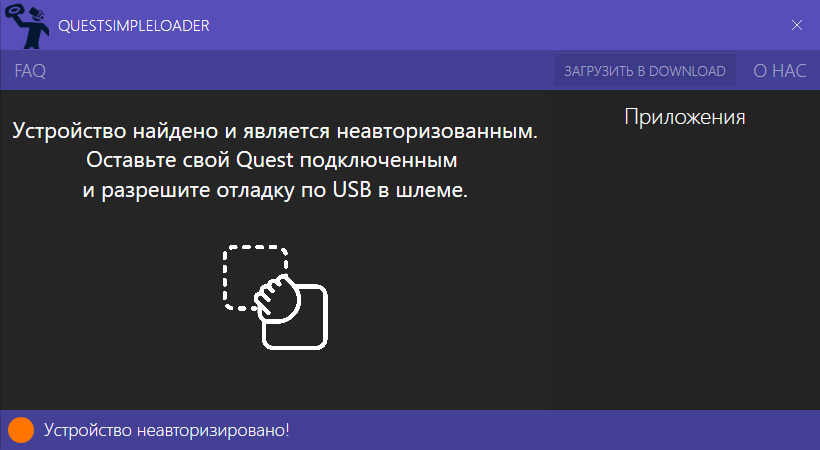
* Если вы ни разу не подключали шлем к компьютеру через QLoader/Sidequest, вы получите запрос на авторизацию ADB:
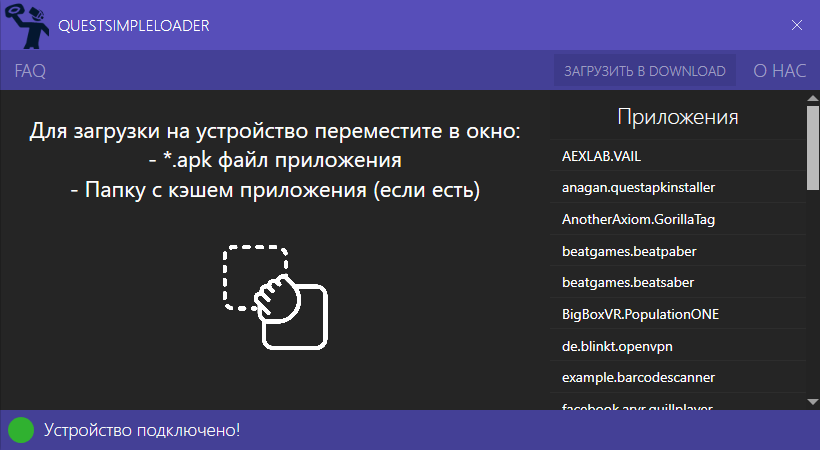
* После принятия запроса, сразу даст пользоваться программой:
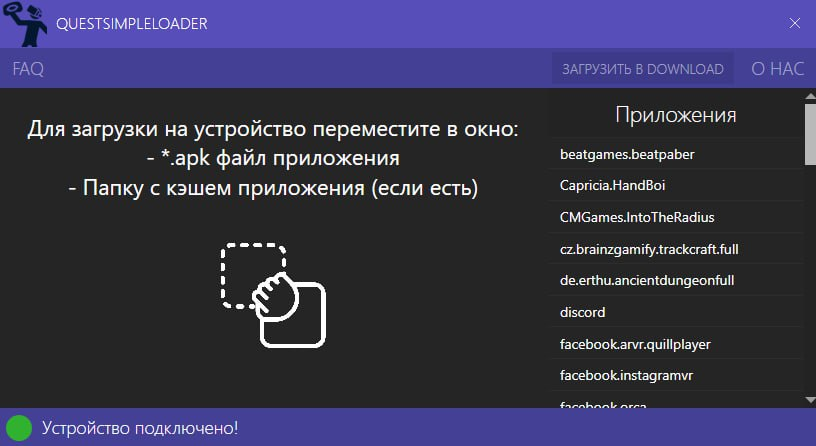
4. Пользуйтесь! Любое .**apk** приложение нужно перетащить в окно и программа сама установит его на шлем. **Приложение появится в библиотеке шлема,** раздел неизвестные источники (папка с вопросиком).
{% hint style="info" %}
[Кстати, у нас есть **Telegram-чат**, где можно **спросить помощи и пообщаться**](https://t.me/MetaQuestRUS)
{% endhint %}